
EYFS activity idea
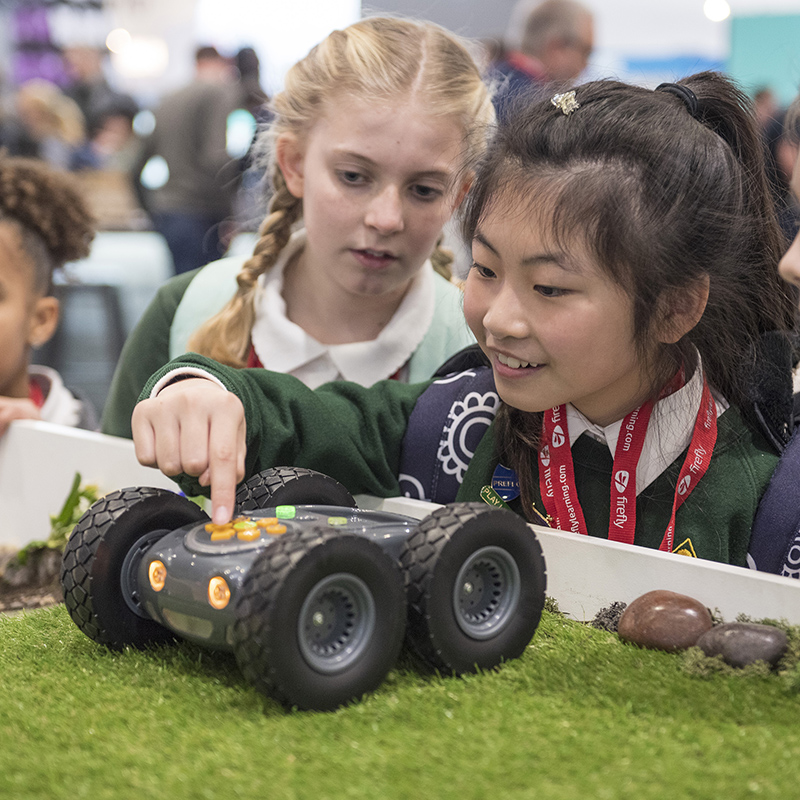
Key Focus – Make a Rugged Robot course
What we want to achieve:
- To be inventive
- To consider the space required
- To begin to estimate distances
You will need:
- A Rugged Robot
- Wooden blocks, pipes, sticks – to create a course outline
Activity:
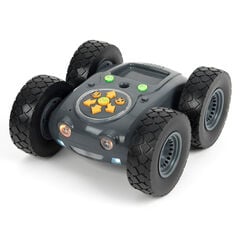
Ask children to create an enclosed track or course in which to use their Rugged Robot. They might work together to see how long or complex they can make it. Provide a selection of possible resources children might use to create the course outdoors – it would be great on a field or grassy area if possible. Children might find their own natural materials. They will need to ensure the course is wide enough all the way along. Children might add bends for their Robot to negotiate. Once finished, they will need to programme Rugged Robot to get from the beginning to the end. Estimate first and then try it out. How many turns will it take to complete the course?
KS1 activity idea
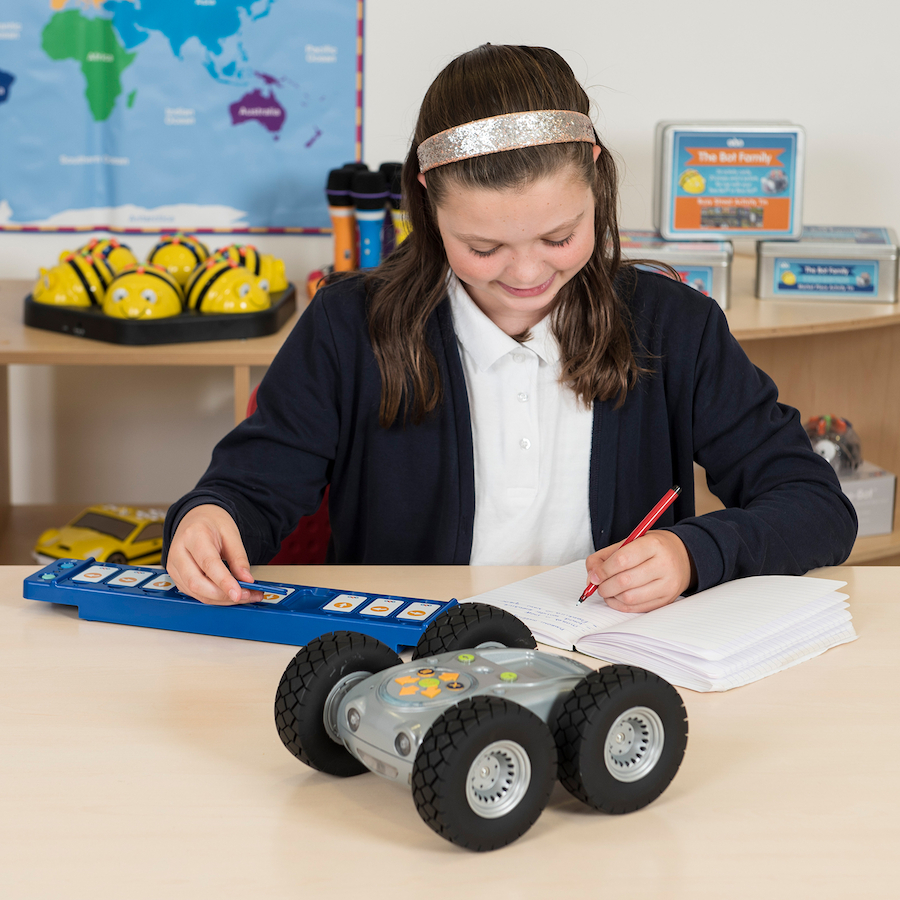
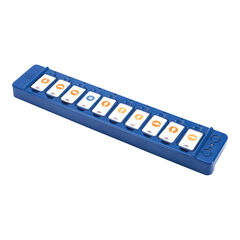
Key Focus – Programme Rugged Robot using the Tactile Reader
What we want to achieve:
- To use Bluetooth and the TacTile Reader to programme Rugged Robot
- To use problem solving skills
You will need:
- A Rugged Robot
- Tactile Reder
- Items to create a course such as sticks, wooden blocks
Activity:
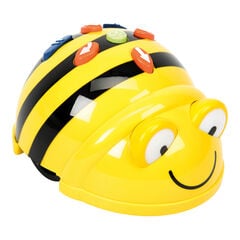
Once children are used to programming using a robot such as Bee-Bot, the next step is to understand that Bluetooth may be used to allow programming separate from the device itself. (You might want to explain that Bluetooth is a wireless technology used for exchanging data over short distances).
Using Rugged Robot, demonstrate how the same commands can be remotely activated through Bluetooth. The TacTile Reader provides an interim ‘physical’ demonstration, taking the commands from the robot itself onto separate tiles. This gives children grater understanding before taking the next step along the programming journey – using a computer, tablet or phone.
Allow children to experiment with the tiles. Each command lights up as it is activated, so debugging is easier. Once children are familiar with what can be done, they can set each other challenges, either indoors or outside; a larger area will be more beneficial.
KS2 activity idea – create an outdoor Rugged Robot obstacle course

What we want to achieve:
To work together to solve a problem
To use the different speed settings and obstacle sensor
You will need:
- A Rugged Robot
- A variety of items to create an obstacle course such as materials for a bridge, a pile of sticks and leaves, a stone pathway, a tunnel made of card – let the children be creative with their obstacles and see what Rugged Robot can do.
Activity:
Explain that the task is to make an obstacle course to use with Rugged Robot. The course must include at least one bridge and one tunnel, as well as other obstacles to be negotiated. Demonstrate the sensor function, which can be turned on or off. When switched on and the robot meets an obstacle, it will reverse and rotate 45 degrees before carrying out the rest of the programme. Children will need to programme carefully if they are to successfully navigate the course in one go and may well need to adjust wither the programme or the course to be successful.